
Trial
See the engine in action
$0no payment
- 15 credits to start
- 1 character
- 1 Telegram channel
- 10 manager requests a day
To animate a photo with AI is to turn a still image into a short clip: a person blinks and smiles, hair moves in the wind, ripples cross the water. In Snuppy, the animator in the Studio does this, and it works even without creating a character. Below: which photos animate best, how to describe motion and what a clip costs.

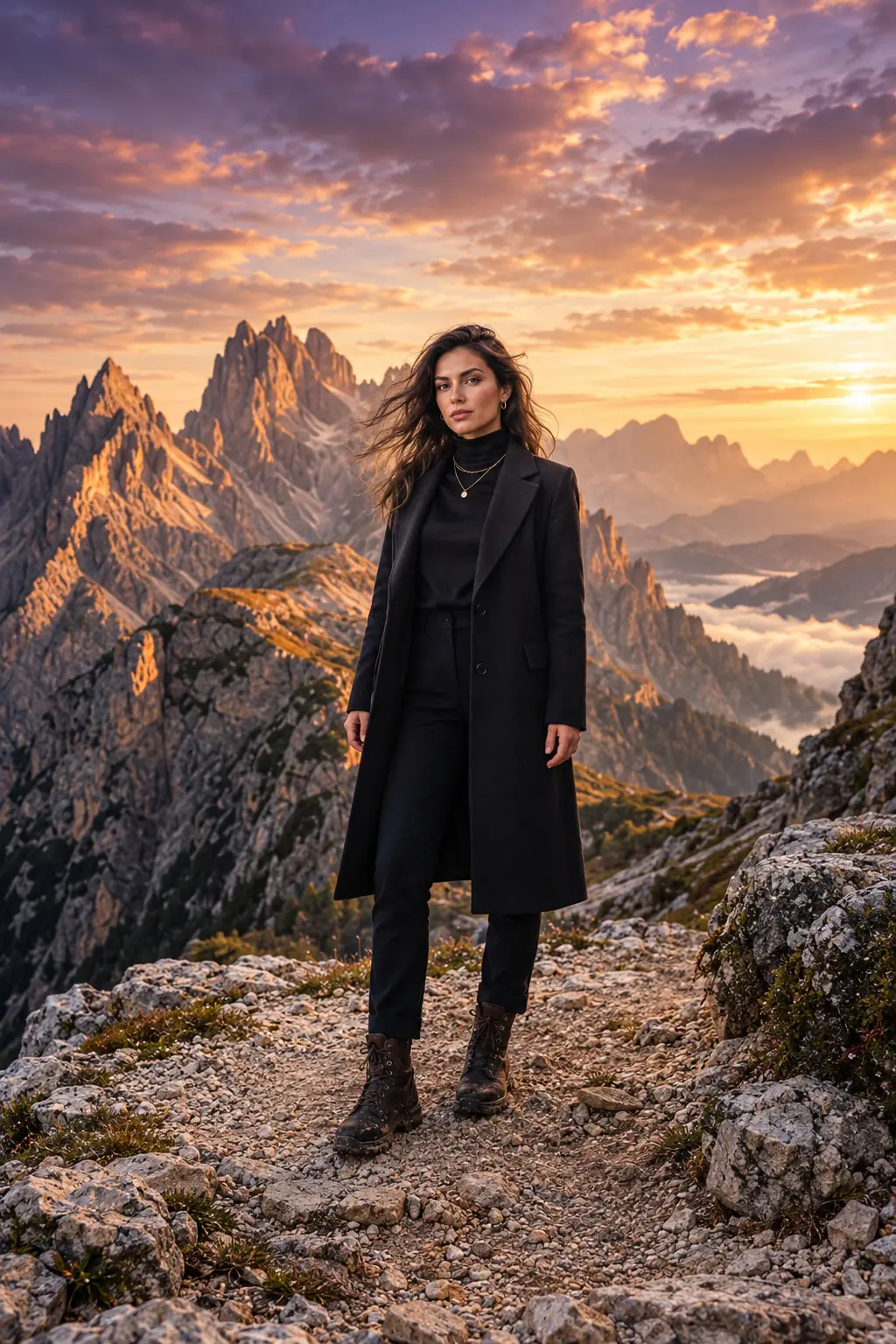
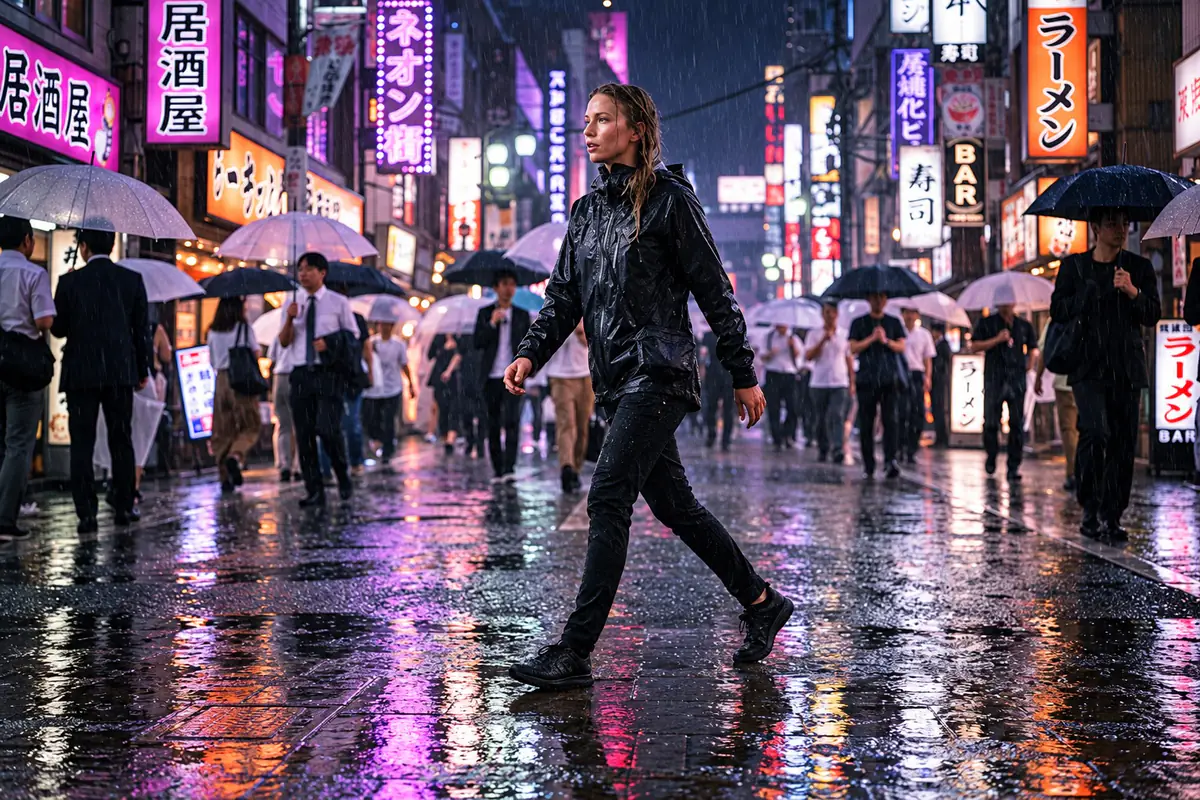
A generative model treats your image as the first frame of a video and predicts what happens next: how the head turns, where the light shifts, how fabric or water moves. It isn't a stack of effects or a two-layer parallax trick — it's a new clip where every frame is generated with your original photo as the reference. That's why the motion feels three-dimensional: the model can turn a head slightly, open the eyes a bit wider or send a breeze through the grass.
Which leads to the main rule: the easier the scene is for the model to read, the more natural the motion. A sharp photo of one person against a clear background animates far better than a dark group shot where each face is a few dozen pixels wide.
Everything you create lands in drafts and your gallery first. Nothing goes to your channel until you click Approve.
Group photos with lots of small faces, images with text or signage, close-ups of hands, and tricky reflections in mirrors or glass. The model may warp fingers, garble lettering or blur where one person ends and another begins. If you really need that shot, ask for minimal motion: a gentle camera push-in and barely visible breathing.
Upload a photo and describe the motion — the animator builds a 5-second clip from it.
Animate a photoA good motion prompt is short and specific: one or two actions for the subject plus what the camera does. Five seconds isn't long. Ask for someone to stand up, walk, turn around and wave, and the model will try to cram it all in — the result looks frantic.
The person in the photo slowly blinks, smiles softly and turns their head slightly toward the camera. Hair moves gently in the breeze. Static camera, lighting stays the same.
Clouds drift slowly from left to right, light ripples move across the water, tree leaves sway. The camera pushes in very slowly toward the center of the frame. Calm, cinematic pace.
A woman sits by a café window, lifts her cup and takes a sip, steam rising from the coffee. A blurred car passes outside. Static camera, natural and unhurried movement.
Each generation costs 10 credits, so it pays to know what to change before the next try instead of just hitting the button again. Change one thing at a time — the prompt or the source image — so you know what actually helped.
One 5-second video costs 10 credits. Video is included in plans starting from Starter. Here's how many clips fit into each monthly credit allowance if you spend credits on animation only.
| Plan | Price per month | Credits | 5-second videos |
|---|---|---|---|
| Starter | $9 ($7 billed yearly) | 120 | up to 12 |
| Creator | $24 ($19) | 350 | up to 35 |
| Pro | $49 ($39) | 800 | up to 80 |
| Top-up | $17.99 one-time | 150 | up to 15 |
In practice you'll split credits between photos and video — on Starter, for example, 60 photos and 6 clips. A standard photo is 1 credit, a Pro photo is 2 and an edit is 1. Captions, content plans, the calendar and publishing don't use credits. The free Trial includes 15 starter credits, which are handy for photos and getting to know the product.
| Shooting video | Animating a photo with AI | |
|---|---|---|
| What you need | Camera, a person on set, a location | One photo |
| Length | Any | 5 seconds |
| Control over motion | Full | Via a text prompt, with some randomness |
| Authenticity | A real event | A plausible reconstruction |
| Best for | Long videos, interviews, reviews | Short inserts, posts, covers |
Only animate photos of real people with their consent, and don't present a generated clip as footage of a real event — whether it's a friend or a public figure.
Finished clips publish to Telegram channels straight from the calendar after approval. Instagram, TikTok, YouTube and VK are still in progress, so for those you can download the video and post it manually. Snuppy AI is also on the App Store and Google Play.
Pick the liveliest photo in your gallery and see how it moves.
Animate a photoOpen the animator in the Studio, upload your image and briefly describe what should move. You'll get a 5-second video you can save to your gallery or attach to a post.
Yes, as long as the face is clearly visible and the photo isn't badly damaged. Use the sharpest scan you have and ask for gentle motion — a blink, a slight smile, a small head turn. Keep in mind the result is a reconstruction, not a real recording.
A 5-second video costs 10 credits. Starter is $9 a month with 120 credits — up to 12 clips if you don't spend credits on photos.
No. The animator in the Studio works without a character, so you can upload any image of your own. A character is only needed if you want to run a channel with a consistent face.
Videos are 5 seconds long. That's enough for a living portrait, an animated cover or a short insert in a post.
Usually because of too much motion, a small face in the frame or a low-quality photo. Ask for fewer actions and pick a larger, sharper shot — that usually fixes it.
The free Trial includes 15 credits, while video is part of plans starting from Starter at $9 a month, or $7 a month billed yearly, with 120 credits — up to 12 clips.


Captions, calendar and publishing are included in every plan. Credits are only spent on photos and video, and you see the price of each generation before you start.
See the engine in action
One character that posts regularly
Several characters and draft autopilot
For agencies and character networks
Need more? Add 150 credits for $17.99
No countdowns or hidden charges: cancelling doesn’t delete your account, and a failed generation is never charged.