
Trial
See the engine in action
$0no payment
- 15 credits to start
- 1 character
- 1 Telegram channel
- 10 manager requests a day
Photo to video AI takes an ordinary image and generates motion around it, giving you a 5-second clip you never had to film. In Snuppy, you make it in the Studio's animator, then attach the clip to a post and publish it to your Telegram channel on schedule. Here's how to build video content this way, which camera moves work and how to budget your credits.

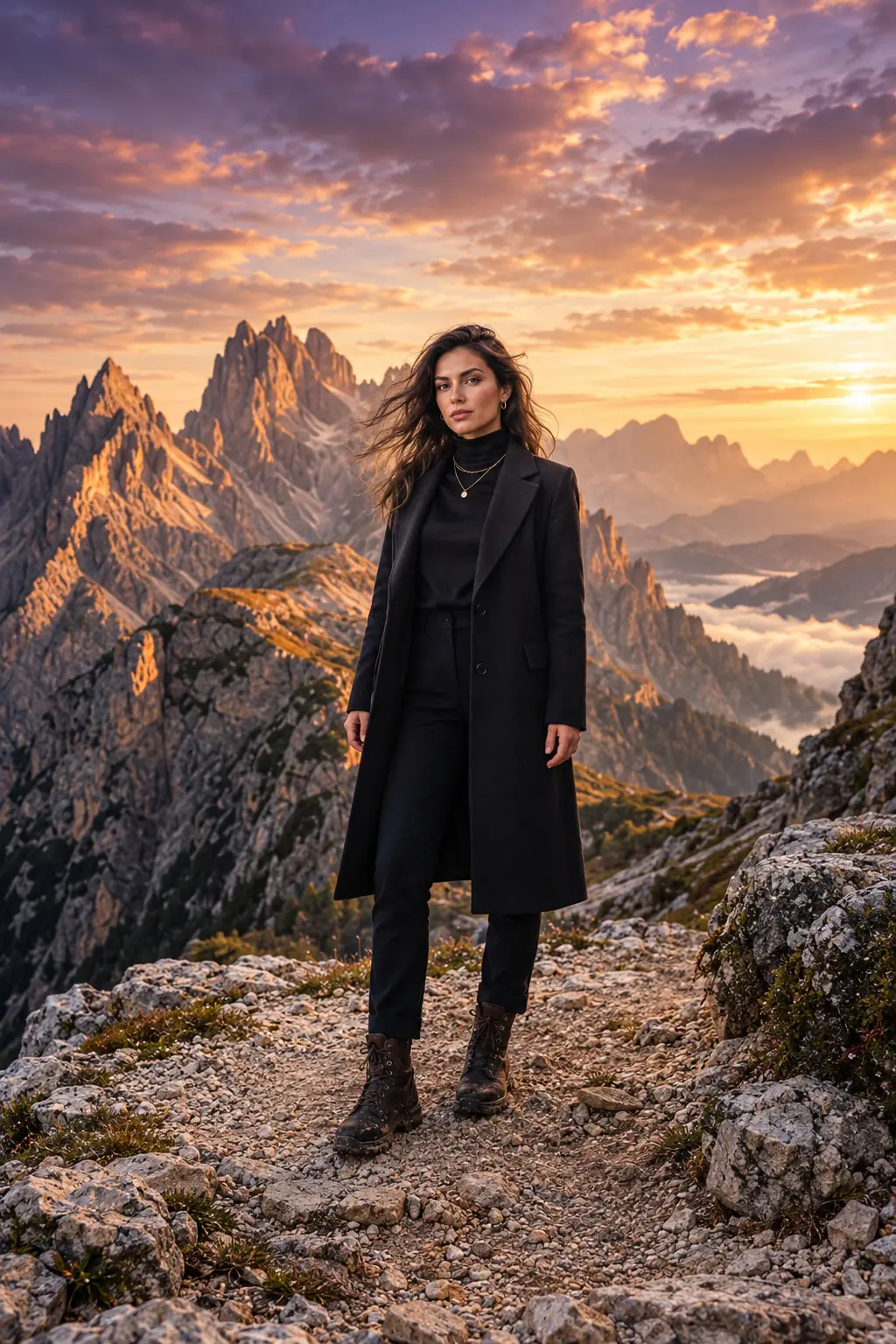
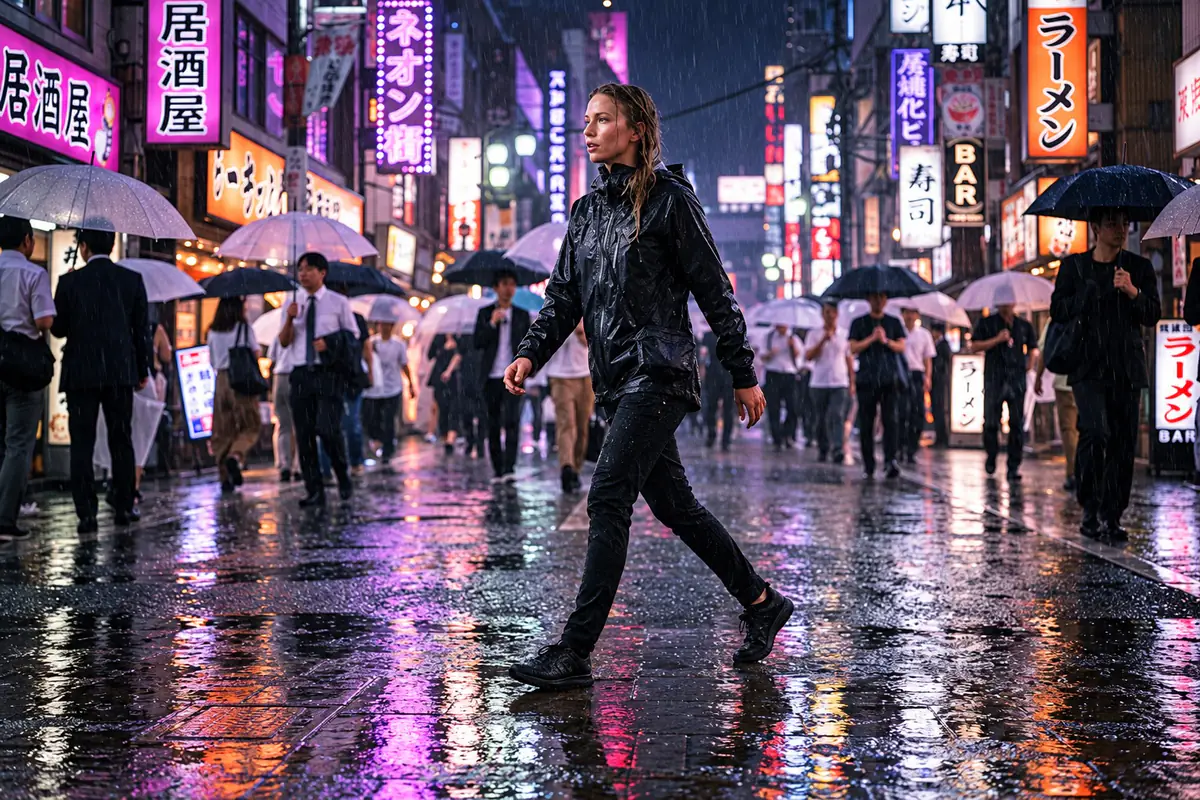
Video gets noticed in a feed more than still images, but filming every week takes time and money: a camera, lighting, someone on screen and hours of editing. Generating video from a photo solves a different problem — regular short inserts where mood and motion matter more than a storyline. A channel cover that gently breathes, a product with the camera gliding around it, a character turning toward the viewer — all made from an image you already have.
Know the format going in: the output is a 5-second clip. It doesn't replace a full video with a plot; it's a way to bring a static post to life without a shoot.
The model builds motion from what it sees in the image, so the source photo decides almost everything. Run through this quick checklist before you generate.
No suitable shot? Generate one in the Studio with video in mind: ask for open space around the subject and details that will come alive later. For character shots, use a Pro photo — likeness matters in motion too.
Half the impact of a clip is the camera. Even if the subject barely moves, the right camera move makes the frame feel cinematic. In five seconds, one smooth move beats a combination.
| Camera move | How to describe it | Best for |
|---|---|---|
| Static | "static camera" | Portraits, living avatars, facial expressions |
| Push-in | "camera slowly pushes in" | Portraits, products, dramatic landscapes |
| Pull-back | "camera slowly pulls back to reveal the surroundings" | Characters on location, travel |
| Pan | "camera slowly pans left to right" | Wide landscapes, cityscapes |
| Orbit | "camera smoothly orbits the subject in an arc" | Products, objects on a table |
The faster and more complex the camera move, the higher the risk of distortion. When in doubt, go with a slow push-in — it almost always looks good.
Upload a photo and pick a camera move — your 5-second clip is ready for a post.
Turn a photo into videoThe camera slowly orbits a perfume bottle on a marble table in a small arc from left to right. Highlights glide across the glass, soft bokeh lights shimmer in the background. Slow, premium pace, no sudden moves.
A woman stands on a waterfront promenade in the evening, the wind moving her hair and scarf. She shifts her gaze from the water to the camera with a faint smile. The camera slowly pulls back to reveal city lights across the river.
Static camera. The person in the photo breathes calmly and blinks, snow falls slowly outside the window behind them, the desk lamp flickers slightly. Almost still frame, barely noticeable motion.
You don't need a clip for every post, and it would get expensive. It's smarter to decide upfront which posts benefit from motion. You can tell the AI manager exactly how many videos you want per week, and it'll factor that into the plan and image briefs. For example: "Prepare a week of 5 posts. Two should have a short video: Monday's weekly preview and Friday's personal story. For video posts, describe the frame and camera move; for the rest, write an image brief." Everything arrives as drafts, and any part of the plan can be changed.
A 5-second video costs 10 credits, plus 1 or 2 credits for the source photo if you generate it. Captions, plans, the calendar and publishing are already included. Video is available on plans starting from Starter.
| Weekly format | Credits per week | Credits per month (≈4 weeks) | Suggested plan |
|---|---|---|---|
| 5 photo posts, no video | 5 | 20 | Starter |
| 5 posts, 1 with video | 15 | 60 | Starter |
| 5 posts, 2 with video | 25 | 100 | Starter |
| 3 channels × 5 posts, 2 videos each | 75 | 300 | Creator |
Starter is $9/month ($7 billed yearly) with 120 credits. Creator is $24 ($19) with 350 credits and up to 3 channels. Pro is $49 ($39) with 800 credits, up to 10 channels and priority queue. If you need more video than usual one month, top up 150 credits for $17.99 — that's up to 15 extra clips.
| Filming yourself | Stock footage | Photo to video AI | |
|---|---|---|---|
| Uniqueness | Fully unique | Others use the same clip | Built from your own frame |
| Your character or product on screen | Yes | No | Yes |
| Time required | Hours to days | Searching for the right clip | Describe the motion and generate |
| Length | Any | Any | 5 seconds |
| Predictability | High | What you see is what you get | Medium — sometimes takes a second try |
One last thing: only make videos from photos of real people with their consent, and don't pass off generated clips as footage of real events. Snuppy AI is also available on the App Store and Google Play.
Take your best shot of the week and turn it into a video for your channel.
Turn a photo into videoSnuppy uses modern generative models under the hood, and you don't have to pick or tune them. Upload a photo to the animator, describe the motion and get a 5-second clip.
Open the animator in the Studio, upload your image and describe what should move and what the camera does. The finished video is saved to your gallery, and you can attach it to a post and publish it to Telegram.
Each clip is 5 seconds long. For a longer video, generate several clips from different photos and stitch them together in any video editor.
10 credits for a 5-second clip. Starter is $9 a month with 120 credits — up to 12 videos, or for example 6 videos and 60 photos.
Yes. Orbits and slow push-ins on a clean background work well for products. Small text on packaging can warp in motion, so put key details in the caption.
Yes, to a Telegram channel: attach the video to a draft, approve the post and choose a time. Instagram, TikTok, YouTube and VK are still in progress.
Technically it's the same animator. Animating a photo usually means adding expression and subtle motion to a portrait, while photo to video means a clip for a post with a more noticeable camera move, like a push-in, pan or orbit.
Captions, calendar and publishing are included in every plan. Credits are only spent on photos and video, and you see the price of each generation before you start.
See the engine in action
One character that posts regularly
Several characters and draft autopilot
For agencies and character networks
Need more? Add 150 credits for $17.99
No countdowns or hidden charges: cancelling doesn’t delete your account, and a failed generation is never charged.